Documentation

Configuration and Branding

Set default account identity, support contact details, region preferences, and image branding so the Docker-delivered portal reflects your intended customer experience.

Section 03

Configure defaults and customer-facing identity

  1. Edit .env or .env.example to set DEMO_ACCOUNT_NAME, DEMO_CONTACT_EMAIL, DEMO_USER_EMAIL, and DEMO_AWS_REGION.
  2. Use the portal UI to override these values during a running session when you need a different test identity.
  3. Update visible labels or placeholders in the standalone templates when a branding change should appear directly in the portal shell.
  4. Rebuild the image after branding changes so Docker serves the updated assets and defaults.
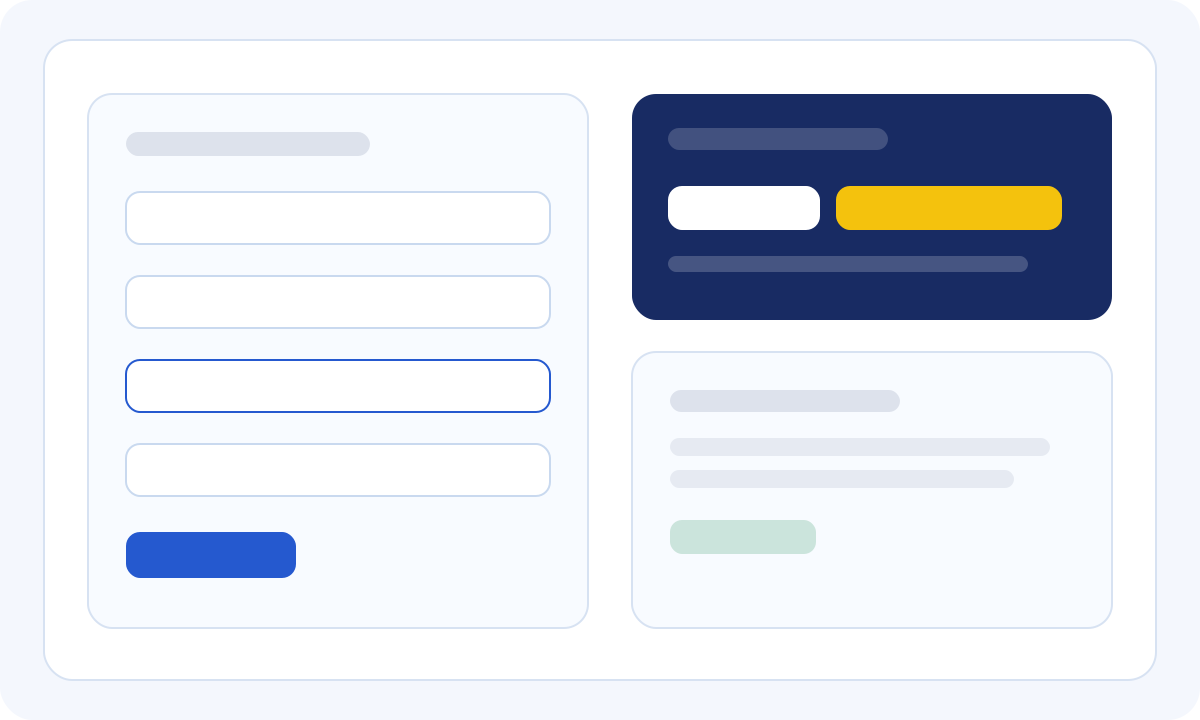
Example View
Example Docker configuration and branding flow
1

Environment defaults

Use environment variables for repeatable local demos so common account and support details appear automatically.

2

UI overrides

Portal-entered values override defaults for the active session, making ad hoc customer demonstrations easy to customize.

3

Security reminder

Never bake real AWS keys into the image. Keep secrets outside version control and rotate any credential that has been exposed.